Most people open an AI development tool hoping it will help them write code faster. After using a few of them, though, you realize the real bottleneck is rarely typing speed. It is the constant context switching, repeating requirements, restating constraints, cleaning output, and still having to finish the last mile yourself. If a tool only gives clever-looking answers, it may simply move the work from the keyboard into the chat box.
That is why TRAE feels different right now. Its strength is not just that it can generate code or text. It behaves more like a working partner that can understand the goal, connect steps, and move toward a usable result. You do not need to carry every project detail in your head at all times, and you do not have to break everything into tiny, unnatural prompts just to keep momentum.
If I had to summarize its edge in one line, it would be this: TRAE pushes AI from an answer engine toward a delivery-oriented assistant. These four advantages explain why it stands out today.
1. It is fast to adopt with very little friction
Many AI tools are not limited by raw capability. They are limited by hidden friction. You have to learn the preferred prompting style, discover where features are buried, and figure out which mode fits which task. By the time you are truly in flow, the small job you wanted to finish may already have been interrupted several times by the tool itself.
TRAE’s first advantage is that it keeps that friction low. You can describe what you need in natural language and let it move between files, commands, editing, and previewing without restarting the conversation every step of the way. For newer users, that means a shorter learning curve. For experienced users, it means less operational drag. The real value is not visual polish. It is whether you can reach speed in minutes.
That low-friction design also improves judgment quality. When less attention is wasted on tool switching, more attention stays on the task itself: whether the requirement is clear, whether the structure makes sense, and whether the output can actually be used. TRAE feels fast not only because it responds quickly, but because the whole working rhythm becomes smoother.
2. Its long-context understanding is deep enough to see the whole job

The biggest problem with AI coding is often not that the model is weak. It is that the model only sees a narrow slice. When a tool understands only one function, one error message, or one file at a time, its advice becomes locally correct but globally distorted. You set out to fix one feature and end up damaging adjacent modules, tests, or the user experience.
One of TRAE’s most noticeable strengths right now is how it handles long context more like a full working environment than a single prompt window. Requirements, existing code, execution output, folder structure, article rules, and image assets can all be considered in the same push forward. That gives it a better chance to understand what you are actually trying to finish, not just what you typed a moment ago.
This matters even more once a project grows beyond a toy example. You do not need to keep feeding background back into the tool, and you do not have to restate naming rules, output format, or prior results again and again. As switching cost drops, your own mental bandwidth can go to decisions instead of memory transport.
3. Agentic collaboration means the work no longer stalls in the chat box
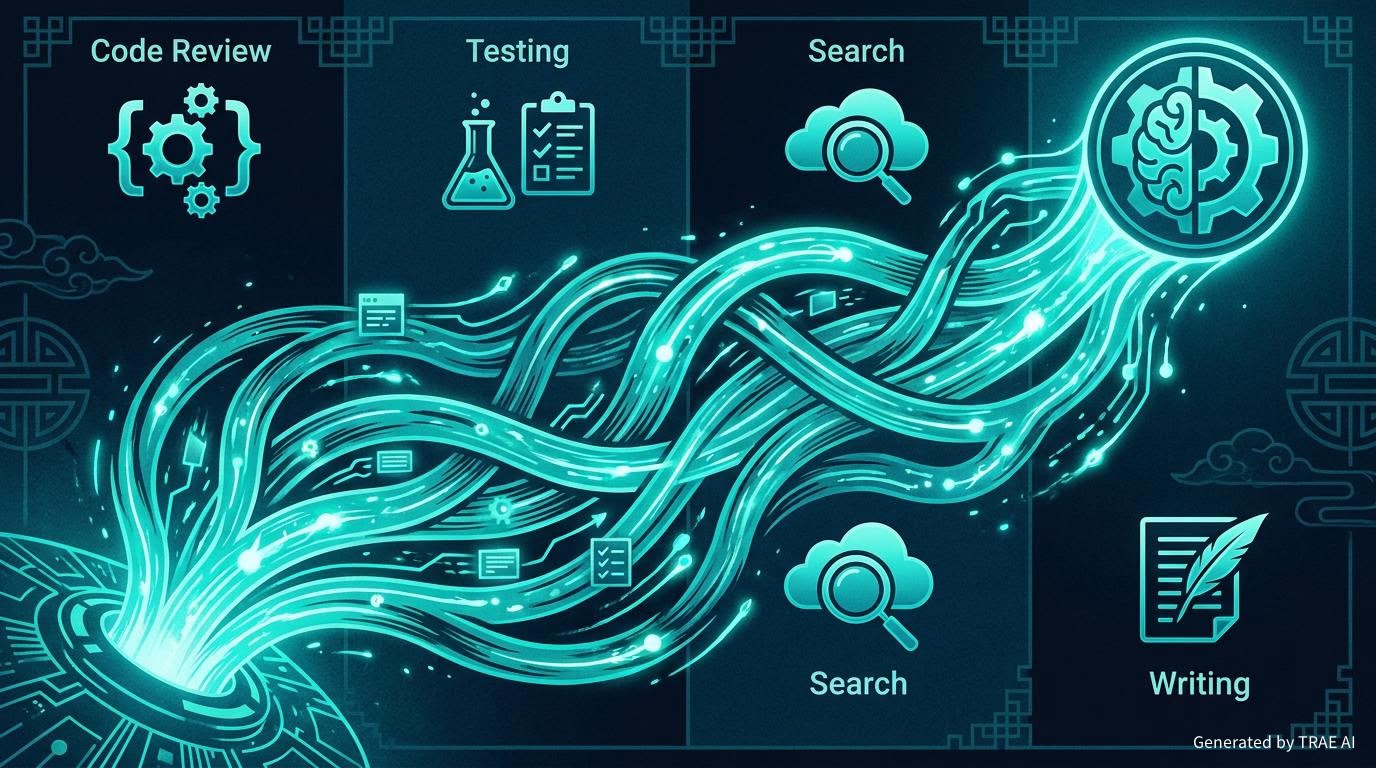
Plenty of tools can answer questions, but the workflow still feels broken. You ask how to change something, it answers. You ask it to locate a file, it answers again. If you want to test, research, edit, and verify, you often have to perform each hop yourself. That model works for Q&A, but it is not ideal when the real goal is getting something finished.
TRAE’s third advantage is that agentic collaboration already feels real. It does not just produce isolated responses. It can connect exploration, planning, generation, modification, execution, and verification into a continuous chain. For the user, the difference is practical: you are no longer asking a series of disconnected questions. You are pushing one piece of work toward completion.
Once AI can take different sub-tasks in stride, the relationship changes. You begin to feel like you are directing a small digital team rather than prompting a clever chatbot. That is why TRAE can feel more like a genuine collaborator. It can take over details inside the same workflow, instead of offering ideas only inside isolated moments.
4. It treats delivery as the endpoint, not the answer itself
The final advantage, and in my view the most important one, is TRAE’s focus on delivery. Many AI tools are good at sounding capable. In real work, though, the hard part is rarely generating content. The hard part is shaping that content into something you can submit, preview, publish, hand off, or use immediately.
TRAE is better because it acts as if the finished artifact is the real goal. It can write into files, apply edits for real, generate images, run commands, create drafts, and then continue with follow-on outputs like translations. That is the line between a nice demo and work you can ship. In real life, only the thing that gets handed over is finished. Everything left inside a conversation is still a half-made object.
That is why TRAE’s edge today is not a single flashy feature. It is the way speed, depth, precision, and completion connect into one line. When a tool understands context, lowers friction, coordinates sub-tasks, and still delivers the result, it does more than improve efficiency. It changes the way you collaborate with software.
If you are still figuring out how AI should fit into your daily work, TRAE is worth testing on a real task. Do not give it a tiny demo and do not use it only as a knowledge box. Hand it something that would normally cost you half a day. You will find out very quickly whether this is the working style you want to grow into next.
Comments